GitHub Token Theft Through a VS Code Webview Bug
On June 2, 2026, security researcher Ammar Askar published a working demonstration of a bug that made a scary sentence true:
clicking a link to github.dev could leak a GitHub token with access to private repositories.
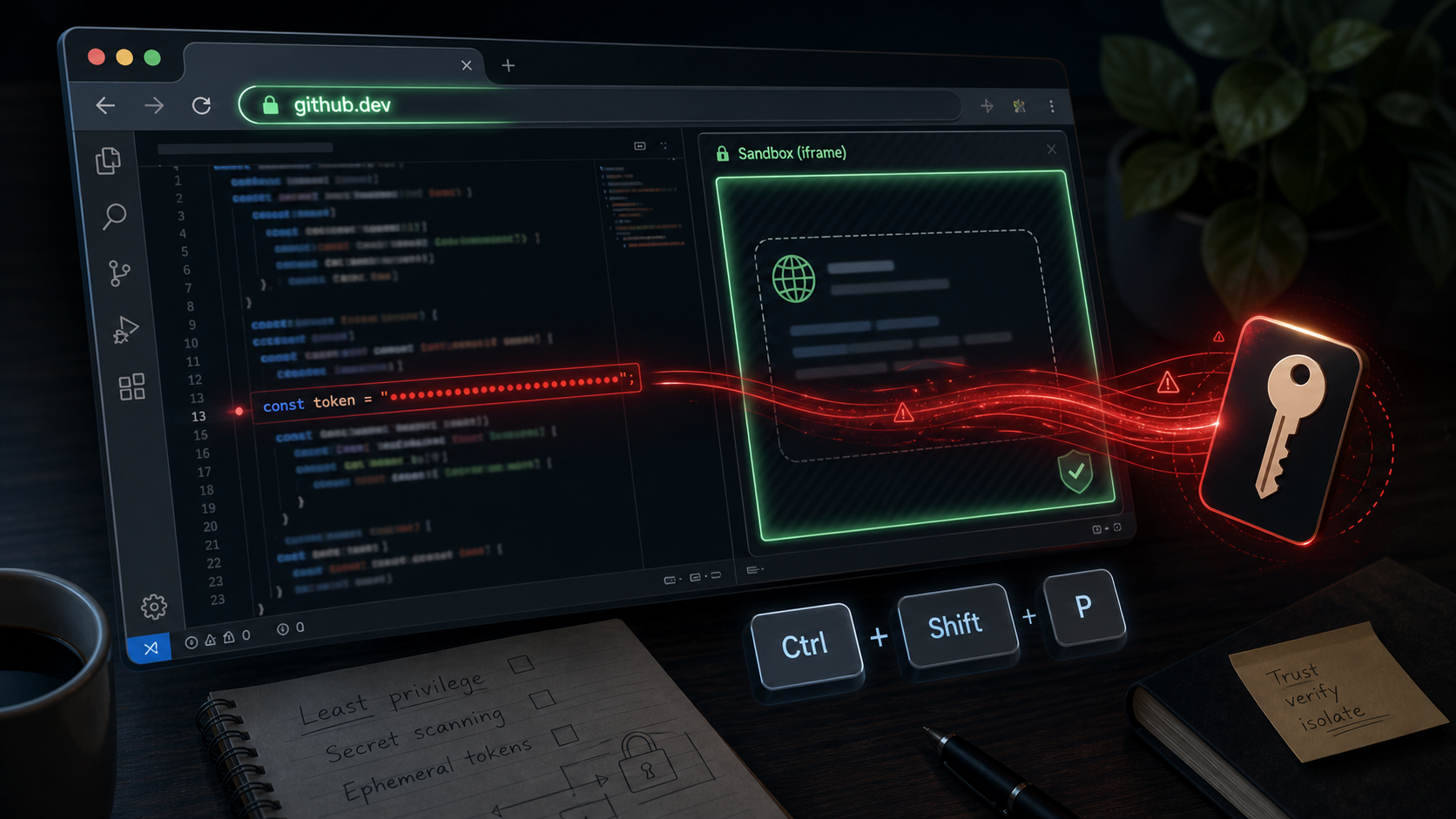
The bug was not a conventional “the browser ran arbitrary native code” failure. The interesting part is more subtle. A feature meant to make embedded VS Code webviews feel ergonomic forwarded keyboard events from an isolated frame into the main editor workbench. Scripted content inside that frame could use the bridge to invoke editor commands. In the github.dev context, that path could install a malicious extension, and the extension could read the GitHub authentication token already available to the browser-based editor.
This is exactly the kind of bug modern developer tools are going to keep producing: rich local-app behavior, delivered through the browser, with real repository credentials close by.
The Setup: github.dev Is a Real Editor
github.dev is GitHub’s browser-based VS Code experience. From a GitHub repository page, changing github.com to github.dev opens the repo in a web editor. The workflow is convenient enough that it feels like a thin file viewer, but it is more powerful than that:
- it can browse repository contents,
- it can edit files,
- it can make commits,
- it can open pull requests,
- and it uses GitHub authentication to do those things on the user’s behalf.
That last point is the trust boundary. The editor needs a token. Askar’s write-up says the token passed into github.dev was not limited to only the repository that launched the editor. In practice, that makes a browser editor bug more serious than “someone can mess with this one tab.” If the token is exposed, private repositories and write-capable operations can become reachable.
Codespaces shows a safer direction. GitHub’s own Codespaces security documentation describes newly assigned tokens with automatic expiry, and token scope that varies based on the specific repository access involved. That is the shape github.dev should move toward: narrow, temporary, and tied to the repository context.
Why Webviews Exist
VS Code uses webviews for content that should be rendered as web content inside the editor: Markdown previews, notebook output, extension UI panels, and similar surfaces.
The security model is supposed to be straightforward:
- the main editor workbench is trusted application code,
- webview content is isolated in an iframe with a separate origin,
- JavaScript inside the iframe should not be able to call privileged editor APIs directly.
That design is reasonable. A notebook cell may intentionally display HTML. A Markdown preview may render untrusted document content. A useful editor cannot treat every rendered preview as trusted application code.
The hard part is usability. Users still expect editor shortcuts to work when focus is inside a preview or notebook output. If Ctrl+P, Ctrl+Shift+P, navigation keys, and command shortcuts randomly stop working because focus is inside an iframe, the product feels broken.
So VS Code had a bridge.
The Bug: Keyboard Events Crossed the Boundary
The disclosed issue in the VS Code repository is titled “Security: Webviews can trigger arbitrary keyboard shortcuts in the main workbench.” The core behavior was a did-keydown message path. Webview-side code listened for keyboard events, then sent those events to the host so normal keybindings could still work.
That is ergonomic, but it turns keyboard shortcuts into a privileged message channel.
If webview JavaScript can manufacture the right sequence of events, it can ask the outer workbench to behave as though the user pressed those keys. The researcher highlighted dangerous examples such as opening a terminal-related command path, moving focus, and pasting into an active terminal. For github.dev, the proof of concept used the same class of problem to drive the editor into installing an extension.
The issue is not that iframes are bad. The issue is that “forward keyboard events so the editor feels native” became “let web content trigger arbitrary commands in the trusted workbench.”
In security terms, this is confused deputy behavior. The iframe cannot install extensions by itself. The main editor can. The bridge made the main editor act on behalf of content that should have remained isolated.
The Exploit Chain
The public proof of concept used a notebook opened in github.dev.
The chain looked like this:
- A victim opens a crafted
github.devURL. - The editor loads a repository containing a notebook.
- The notebook output runs JavaScript inside a VS Code webview.
- That script sends keydown events through the webview bridge.
- The outer workbench interprets those events as editor shortcuts.
- The shortcut sequence installs a malicious VS Code extension.
- The extension reads the GitHub token available inside the editor environment.
- The token is used to query GitHub API access, including private repositories available to the user.
The one-click framing matters because github.dev links can be reached by ordinary navigation. A page, short link, or redirect can send a signed-in user to a crafted editor URL. If the user had already passed any first-run prompts and retained local site state, the attack could proceed with less friction.
This also means “do not click suspicious github.dev links” is weak advice. Users do not always see the final destination before a redirect, and browser history, local storage, and prior consent dialogs change the practical risk.
Why the Extension Step Matters
The webview bug gives a path from untrusted web content to trusted workbench command execution. The extension step converts that into credential access.
VS Code extensions are powerful. They are not decorative theme files. They can run code inside the editor’s extension host, interact with editor APIs, read state, and depend on JavaScript packages. In desktop VS Code, that power can reach the local machine. In browser-based VS Code, the environment is more constrained, but the extension still sits much closer to editor credentials than a notebook iframe should.
That is why the exploit is not just “a notebook ran JavaScript.” Notebook JavaScript is expected. The failure is that notebook JavaScript could steer the trusted editor into installing code that had access to the authentication surface.
The Token Scope Was the Blast Radius
Every vulnerability has a trigger and a blast radius.
The trigger here was the keyboard-event bridge. The blast radius was the token.
If the token had been scoped only to the selected repository, the bug would still be serious. An attacker might read or modify that repository. But broad private-repository access changes the incident category. It creates an account-level source-code exposure risk from a single browser navigation.
That distinction matters for product design. Rich developer tools should assume UI isolation can fail. The fallback control is least privilege:
- repository-scoped tokens,
- short token lifetimes,
- explicit reauthorization for broader access,
- separate tokens for read and write,
- no ambient access to unrelated private repositories,
- clear revocation and audit trails.
The strongest mitigation is not “make the editor bug-free.” It is “make the next editor bug less valuable.”
Desktop VS Code Is Related, But Not Identical
Askar noted that the same underlying class exists in desktop VS Code, but exploitation is harder. A victim would need to open attacker-controlled content in a context where webview script runs, such as a crafted notebook or another webview XSS path.
The impact model is different too. Desktop VS Code extensions can run with local user privileges. That can become much worse than GitHub token theft, because local files, SSH keys, shell access, and developer environment secrets may be available.
Browser github.dev concentrates the attack into a cleaner one-click story because the target is already web-delivered and already authenticated to GitHub. Desktop VS Code concentrates the blast radius around the workstation.
Both cases point to the same lesson: webviews are not harmless preview panes once they can influence editor commands.
What Microsoft Changed
The GitHub issue for the bug was opened on June 2, 2026 and is now closed. Microsoft also updated VS Code code around the webview-to-workbench interaction. The exact implementation detail can keep evolving, but the security direction is clear:
untrusted webview content should not be able to synthesize arbitrary trusted keybindings.
That is a delicate product tradeoff. Completely disabling editor shortcuts in webviews is frustrating. Passing every shortcut through without strong mediation is dangerous. The right answer is usually a narrow allowlist, context-aware filtering, and command-level policy rather than raw event forwarding.
Keyboard events are inputs. Commands are capabilities. The bridge should be designed around capabilities.
What Users Should Do
If you used github.dev before the fix window, the practical hygiene steps are:
- Clear browser site data for
github.devand related VS Code web editor domains. - Remove unknown or unexpected VS Code web extensions.
- Review GitHub authorized OAuth apps and tokens.
- Rotate credentials if you ran a proof of concept or have reason to believe you opened a malicious
github.devlink. - Review recent repository events for unexpected reads, pushes, branch creation, or pull requests.
For organizations, this should also trigger a source-code access review. Private repositories are often treated as one security tier, but real organizations have tiers inside tiers: production infrastructure, customer data tooling, incident response notes, deployment automation, and internal libraries. A broad developer token can cross too many of those boundaries.
What Tool Builders Should Change
This incident is a useful checklist for anyone building browser-based IDEs, agent workspaces, notebook systems, or extension platforms.
1. Treat UI Bridges as Privilege Boundaries
Message bridges between iframes and host applications should be reviewed like API endpoints. The fact that a message represents a “keyboard event” does not make it safe. If it can cause a privileged command, it is a privileged message.
2. Authorize Commands, Not Gestures
Do not trust synthetic gestures as proof of user intent. A command palette action, extension install, terminal paste, or credential read should require command-level authorization. Whether the request arrived through a click, keybinding, drag event, postMessage call, or automation hook is secondary.
3. Separate Extension Install From Content Rendering
Opening a document should not create a path to install active code without a hard consent barrier. Notebook output, Markdown preview, and extension recommendation flows need stricter separation from extension installation.
4. Scope Tokens to the Smallest Useful Resource
Developer tools should avoid account-wide tokens whenever the workflow is repository-specific. If a user opens one repository in a browser editor, the default token should not be a passport to every private repository they can access.
5. Make Revocation Boring
Users should be able to see, revoke, and rotate browser-editor credentials without spelunking through unrelated settings. Security controls that require specialized knowledge are incident amplifiers.
6. Assume Redirects Exist
Any web threat model that says “the user would have to visit this domain” should account for redirects. Attackers can hide final destinations behind shorteners, compromised sites, comments, ads, documentation links, and supply-chain content.
The Bigger Pattern
The old mental model was simple:
- browser apps get browser privileges,
- desktop apps get desktop privileges,
- source-code hosts store source code,
- editors edit code.
Modern developer platforms have blurred all four.
github.dev is a browser app that behaves like an editor, talks to a source-code host, installs extension code, and carries repository credentials. That is incredibly useful. It is also a high-value security surface.
The right conclusion is not “never build browser IDEs.” The right conclusion is that browser IDEs need the same threat modeling we give to production control planes. They sit between users, source code, credentials, package ecosystems, and increasingly AI agents.
When a one-click editor link can become a private-repository token leak, the editor is no longer just a convenience feature. It is part of the organization’s identity and source-code security boundary.