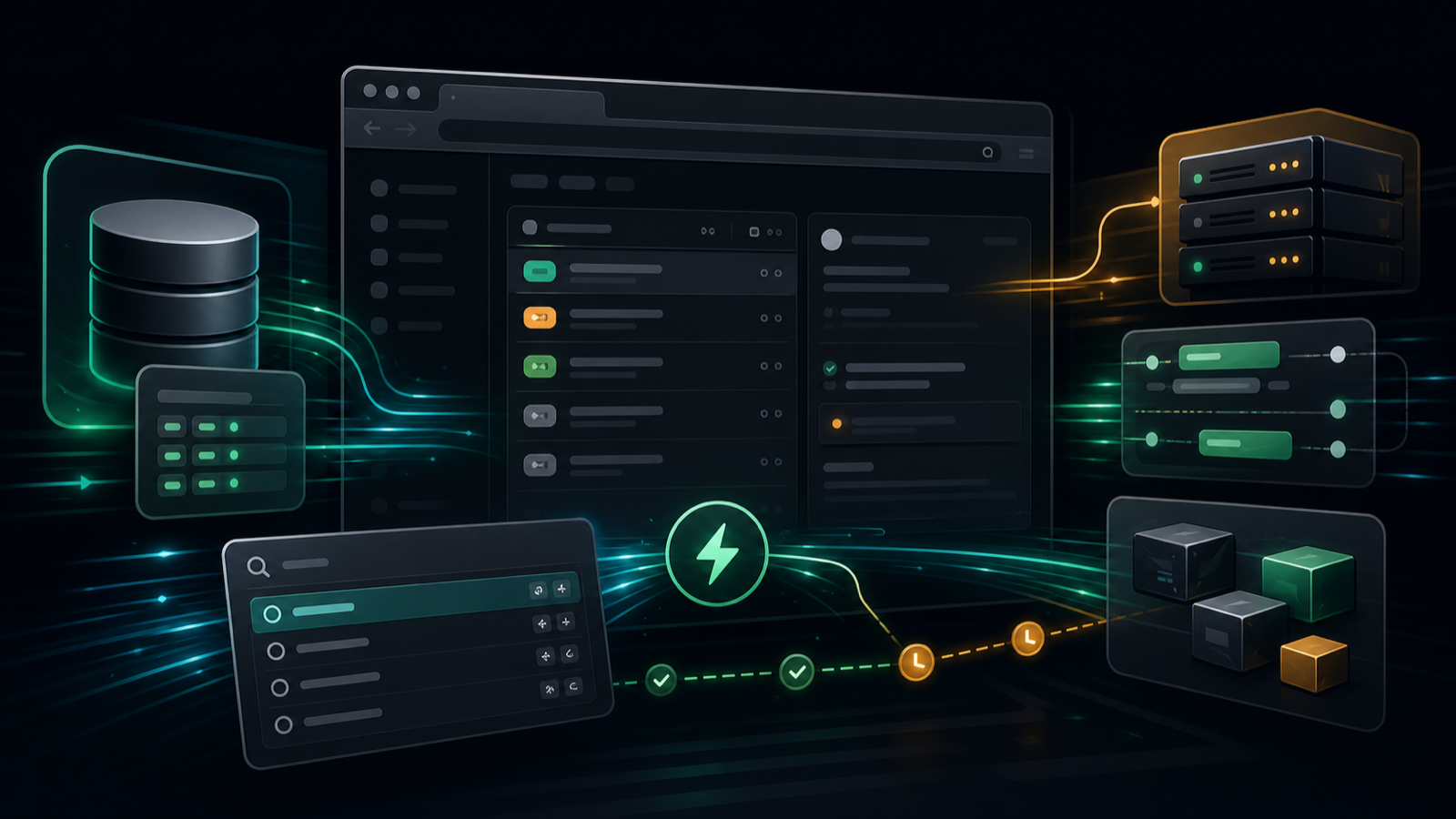
Why Linear Feels Fast: Local Data, Small Updates, and Product Discipline
Some apps are fast on a benchmark but still feel slow in your hands. Linear has the opposite reputation: it feels fast during ordinary work, not only during a carefully measured demo.
That distinction matters. A work-tracking app is not a landing page. People open it hundreds of times a week to triage issues, change status, search for context, link pull requests, and move between projects. If every action pays a network round trip, a spinner, a heavy render pass, or a decorative animation tax, the tool starts to feel like a place where work goes to wait.
The interesting thing about Linear is that its speed comes from many boring decisions adding up. There is architecture, but also restraint. There is local-first data, but also code splitting. There are observables, but also keyboard shortcuts. There is animation, but not everywhere.
That is the real lesson: performance is not a feature you add at the end. It is a product posture.
Start With the User’s Next Click
Most web apps still treat the server as the place where the truth lives and the browser as a temporary rendering surface. That model is simple to reason about, but it makes every interaction vulnerable to distance.
Open a page. Fetch data. Click an item. Fetch more data. Change a field. Send a mutation. Wait for confirmation. Re-render a region that may be much larger than the thing that changed.
That can be acceptable for a rarely used admin screen. It is painful for a daily tool.
Linear’s design points the other way. The browser is not just a display terminal. It is an active workspace with local data, local reads, and optimistic local writes. The server still matters, but it is not placed in the critical path for every tiny interaction.
That changes the product feel immediately. The question stops being “how quickly can the server answer?” and becomes “how much work can the client complete before the server is needed?”
The Local Database Is the Latency Hack
The core move is local-first architecture. Linear keeps workspace data available on the client, backed by browser storage, then synchronizes changes in the background.
On a warm start, the app can hydrate from local state instead of rebuilding the entire experience from remote requests. When a user edits an issue, moves it between states, or opens the command menu, the UI can read from memory and local storage rather than pausing on the network.
This is not the same as sprinkling a cache over a server-first app. A cache is usually an optimization around a remote source of truth. A local-first model changes the shape of the interaction:
- Reads should usually be local.
- Mutations should feel immediate.
- Sync should reconcile in the background.
- Conflict handling becomes a product and data-model responsibility, not an afterthought.
That last point is why this is hard. Local-first systems are wonderful when the data model is well bounded and the sync rules are clear. They become expensive when the product has ambiguous ownership, complex cross-entity invariants, or long-lived offline edits that are difficult to merge.
Linear is a strong fit because issue tracking has many small objects, frequent small edits, and a high premium on responsiveness.
Sync Is a Product Surface
Once data lives locally, sync becomes part of the user experience. It cannot be treated as plumbing hidden behind the API client.
A good sync engine has to answer practical questions:
- What data is needed for the workspace to be useful immediately?
- Which objects can be lazy-loaded later?
- How are local mutations queued and retried?
- What happens when two clients edit the same entity?
- How does the UI show stale, pending, failed, or reconciled state without making the app feel fragile?
The source article’s most useful framing is that the server becomes a synchronization target instead of the thing consulted on every interaction. That does not make the server less important. It makes the boundary sharper.
The client owns the fast path. The server owns durability, authorization, fan-out, and cross-device consistency.
That separation is why the app can feel instant without pretending the network disappeared.
Observable Objects Keep Updates Small
Local data alone does not make a web app fast. You can store everything in the browser and still destroy performance by re-rendering too much UI.
The next piece is fine-grained reactivity. Linear has been associated with a model where local data is represented through observable objects, so the UI can react to small property-level changes instead of treating every update as a reason to redraw a large tree.
That matters for issue lists.
Imagine a view with 50 visible issues. If one issue changes status, the ideal update is tiny: one object changes, one row updates, maybe one count changes. The bad version invalidates the list, recomputes too much derived state, and causes unrelated rows to do work.
Modern frontend stacks often hide this problem behind component abstractions. The profiler is where the bill appears. A product can look clean in code and still spend too much time diffing, rendering, measuring, and repainting.
The lesson is not “everyone should use the same reactive library.” The lesson is that high-frequency product surfaces need update granularity that matches the user’s action. If the user changes one status pill, the browser should not behave as if the whole project changed.
Startup Work Has to Be Ruthlessly Budgeted
Linear has also published hard numbers on startup performance. In a 2021 changelog, the team described optimizing pre-warmed clients, meaning sessions where workspace data is already stored locally. On their own workspace of roughly 4,000 issues and hundreds of projects, they reported large improvements: faster active-issue startup, much faster huge-backlog startup, lower memory use, and around 50% less loaded code before compression.
The details are familiar but important:
- Load data more carefully at startup.
- Move to a build pipeline that produces smaller bundles.
- Lazy-load parts of the app and data that are not needed immediately.
- Target modern browsers to reduce unnecessary code.
- Preload code before the user needs it.
None of this sounds exotic. That is the point.
Performance work often fails because teams search for a magic subsystem while ignoring the startup budget. Every dependency, route, editor extension, analytics hook, modal framework, and rarely used feature competes for the first few seconds of attention.
The fastest code is the code that does not run yet.
Cold Start and Warm Start Are Different Products
A useful detail in Linear’s changelog is the focus on pre-warmed clients. Many teams only optimize the cold path because it is easy to test in a clean browser profile. Users, however, often live in the warm path.
That distinction changes priorities.
Cold start asks: how quickly can a new or cleared client become usable?
Warm start asks: how quickly can a returning user resume work with data already on the device?
Both matter, but they are not the same problem. A local-first app should be especially good at the warm path because it has already paid the cost of getting data onto the machine. If the app still feels slow after that, the bottleneck is probably hydration, indexing, bundle execution, memory pressure, rendering, or product flow.
This is where performance becomes systems work. Network timing is only one line item.
The Command Palette Is Architecture Too
Linear’s command palette is easy to describe as a UX feature, but it is also a performance feature.
Keyboard-first design shortens the path between intent and action. If a user can open a command palette, search local objects, and trigger an action without navigating through several screens, the app feels faster even if the underlying operation takes the same amount of compute.
This is the part performance engineers sometimes underweight. Latency is not only milliseconds. It is also interaction count.
A three-click workflow with a 100 ms response at each step can feel slower than a one-command workflow that takes 180 ms, because the user has to keep reorienting. The total human loop is longer.
The best performance work removes waiting and removes wandering.
Animation Should Explain, Not Delay
Fast apps can still feel slow if animation is indulgent. The browser has a rendering pipeline, and not every CSS property costs the same.
The practical rule is old but still underused:
- Prefer
transformandopacityfor motion. - Be cautious with paint-triggering changes.
- Avoid animating layout properties like width, height, top, left, margin, and padding.
- Keep durations short for tools people use all day.
- Do not animate something merely because the design system makes it easy.
The deeper product rule is simpler: animation should preserve orientation. A popover can scale from the control that opened it. A side panel can slide from the side where it lives. A hover state can appear immediately and disappear gently.
That kind of motion helps the user understand space. Decorative delay just makes the interface ask for attention.
Why This Is Hard to Copy
The tempting conclusion is to copy the visible stack: browser storage, optimistic updates, observables, code splitting, command menu, short animations.
That is not enough.
The harder part is keeping those choices coherent as the product grows. Every new feature tests the architecture:
- Does it fit the local data model?
- Can it sync safely?
- Can it load lazily?
- Can it update without invalidating too much UI?
- Can users reach it through the same command surface?
- Can the animation be avoided or kept short?
This is why fast products often slow down over time. The initial architecture may be good, but each new feature arrives with an exception. One route needs a special API call. One modal imports too much. One page bypasses the local model. One integration adds a blocking startup check. One animation becomes the default pattern for everything.
Performance erodes through small permissions.
The Tradeoff: You Are Buying Complexity
Local-first architecture is not free. It moves complexity from request/response code into synchronization, schema migration, conflict handling, local storage limits, background processing, and observability.
For some products, that tradeoff is wrong. A billing settings page, a compliance report, or a rarely used admin workflow may not justify a custom sync layer. Server-first simplicity can be the better engineering decision.
For collaborative daily tools, the math changes. If users spend hours in the product and perform hundreds of tiny actions, shaving the network out of the common path pays back quickly. The interaction volume justifies the architectural cost.
The right question is not “should every app be local-first?”
The right question is: “which parts of this product are used often enough that remote latency should be treated as a bug?”
What Other Teams Can Steal
Most teams do not need to build Linear’s exact architecture to learn from it. The practical playbook is smaller:
- Measure warm starts separately from cold starts.
- Make common reads local or at least memory-backed.
- Apply optimistic updates where rollback semantics are safe.
- Keep re-render scope proportional to the user’s actual change.
- Split code around real product frequency, not folder structure.
- Preload the next likely action, not every possible action.
- Make keyboard paths first-class for repeated work.
- Animate fewer properties for shorter durations.
- Treat performance regressions as product regressions.
The theme is consistency. Fast software is rarely the result of one heroic rewrite. It is usually the result of saying no to hundreds of tiny sources of drag.
Speed Is a Design Constraint
Linear feels fast because the product is designed around immediacy. Data is close to the user. Updates are small. Startup work is budgeted. Common actions are reachable without wandering. Motion is restrained. The system does not ask the network for permission on every click.
That is a high bar, but it is also a clear one.
If a tool is used all day, speed is not polish. It is part of correctness. A slow issue tracker changes how teams behave: they batch work, avoid cleanup, postpone triage, and leave context stale because touching the system costs too much.
The best version of a productivity tool disappears under the user’s intent.
That is what Linear’s architecture is really chasing.