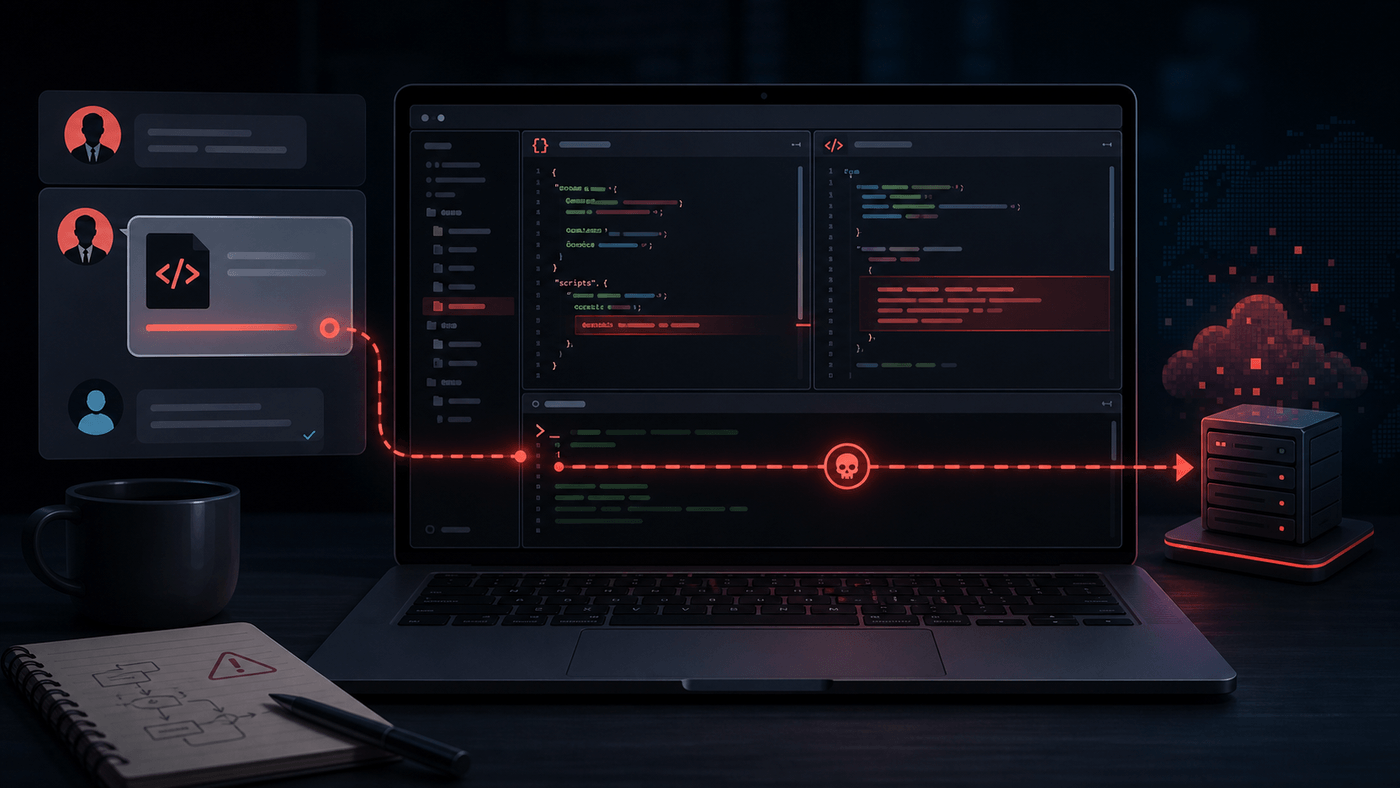
The LinkedIn Job Offer That Hid an npm Install Backdoor
On June 15, 2026, Roman Imankulov published a security story that should make every developer pause before running an interview repo locally: a LinkedIn recruiter sent him a GitHub project that looked like a broken crypto startup proof of concept, but the project was wired to execute remote code during npm install.
The attack is unsettling because it does not depend on an exotic browser bug, a zero-day, or a deeply hidden compiler trick. It uses ordinary social pressure and ordinary JavaScript project mechanics.
The recruiter says the team has a deprecated Node module issue. The candidate wants to look competent. The repo looks like a normal React frontend plus Node backend. The obvious next command is npm install.
That command is the trap.
The Shape of the Lure
The conversation started like a plausible inbound recruiting flow. A small crypto startup needed a lead engineer. After a few messages, the recruiter sent a public GitHub repository and asked for help reviewing a broken proof of concept.
That framing matters. “Please review this codebase” is now normal interview behavior. So is “it does not install cleanly on my machine.” So is “can you check the deprecated module issue?” None of those phrases are suspicious by themselves.
Imankulov did the thing most people know they should do but often skip when tired: he did not clone and install it on his main machine. He used a throwaway VPS and asked a read-only agent to inspect the files with file-reading tools only. The agent stopped quickly at a fake test file.
The malicious file was app/test/index.js. It looked like sloppy test code buried inside commented-out noise. In reality, it assembled a URL from harmless-looking fragments and then executed whatever the remote server returned.
That is the heart of the backdoor: not a fixed payload checked into Git, but a small loader pointed at an external endpoint.
Why npm install Was Enough
The repository did not need the victim to run the test suite.
The chain was:
package.jsondefined apreparescript.- The
preparescript called another script. - That script ran
node app/index.js. app/index.jsrequired the test module.- The test module loaded the backdoor.
- The backdoor fetched remote JavaScript and executed it locally.
npm documents lifecycle scripts as first-class package behavior. The scripts field supports built-in lifecycle events, and prepare is one of the special lifecycle scripts. In normal projects, that can compile assets or prepare package output. In hostile projects, it is a convenient install-time execution hook.
That is why this kind of repo is dangerous even if you never run npm test, never start the server, and never open the app in a browser. If lifecycle scripts are enabled, installation can already be execution.
There is a useful nuance here: npm is not uniquely responsible for this pattern. A Makefile, Python setup hook, shell bootstrap, Dockerfile, or editor task could do the same thing. npm just makes the dangerous path look very normal for JavaScript work because install-time scripts are part of the ecosystem’s routine workflow.
The Backdoor Was Hidden Like Bad Code
The most interesting disguise was not sophistication. It was boredom.
The suspicious file was not polished malware with an obvious name. It was a test file surrounded by commented-out code. The loader URL was split into variables such as protocol, domain, path, token, and subdomain. The final behavior was buried far enough down the file that a quick scan could miss it.
This is an important defensive lesson. Attackers do not need to make malicious code look beautiful. In an interview repo, bad code is expected. The candidate may assume weird structure, unused variables, commented tests, and broken scripts are simply part of the task.
That context gives the attacker cover. The victim is not reviewing a mature production codebase. They are reviewing a broken take-home exercise. Sloppiness is part of the premise.
The Borrowed Developer Identity
The repository’s commit history was also staged. The commits appeared under the name and email of a real developer with a real online presence.
Imankulov contacted that developer indirectly and found that he had never worked for the supposed startup. His identity had been used before in similar GitHub impersonation attempts, and he had reported other repos.
This is the part that turns the attack from “malicious repo” into “trust laundering.”
A candidate who checks the commit author might see a normal full-stack engineer with a LinkedIn profile, personal website, and established GitHub account. That does not prove the repository is legitimate. It may only prove that the attacker copied a plausible person’s public identity.
Git commit author metadata is cheap to forge. Public profile data is cheap to scrape. A real avatar and email address can make a fake repo feel old enough and human enough to pass a rushed inspection.
The Borrowed Recruiter Identity
The recruiter profile was also suspicious after closer inspection. It appeared to belong to a real arts journalist, not a technical recruiter.
When Imankulov played along and said the project would not install, the supposedly non-technical recruiter suddenly had opinions about Node versions and pushed him toward running npm install. That transition is one of the strongest signals in the story.
Recruiters can relay technical instructions from hiring managers, but a profile with no technical background becoming instantly specific about runtime versions should raise the temperature. The goal was not to evaluate engineering judgment. The goal was to get the target to execute the project.
The attack relies on politeness and momentum. If you are actively looking for work, you do not want to seem difficult. If the interviewer says the install works for them, you may assume the problem is your environment. If the next meeting is starting, you may run the command and promise yourself you will inspect it later.
That is exactly the window this campaign uses.
Why Developers Are Good Targets
Developers are unusually valuable victims because their machines are usually full of useful access:
- GitHub and GitLab credentials
- SSH keys
- cloud CLIs and cached tokens
- package registry sessions
.envfiles from active projects- production database connection strings
- browser sessions for SaaS admin tools
- signing keys or release automation credentials
Even when an attacker lands on a personal laptop rather than a company-managed workstation, the machine may still bridge into open source maintainer accounts, client systems, private repos, cloud consoles, or crypto wallets.
This is why a fake job interview can be a supply-chain attack. The first compromise may be one developer. The real target may be the packages, repositories, infrastructure, and organizations that developer can touch.
The Hacker News discussion around the post reflected this fear. Several commenters described similar recruiter patterns, pushy requests to run repos locally, and malicious interview tasks that look close to normal hiring practice. One comment captured the core problem: a repo that “needs fixing” is now indistinguishable from a plausible technical screen unless teams make isolation the default.
Read-Only Review Beat Manual Skimming
One useful part of the incident is how the backdoor was found.
Imankulov used an agent in read-only mode, limited to file inspection commands. That matters more than the agent itself. The critical control was not “AI reviewed the code.” The critical control was “the reviewer could not execute it.”
This is a good pattern:
pi --tools read,grep,find,lsThe exact tool can vary. The principle should not. For untrusted repos, the first pass should be static and non-executing:
- list files,
- inspect
package.json, - inspect lifecycle scripts,
- search for
eval,Function,child_process,curl,wget,fetch, encoded strings, and unusual domains, - inspect test files and setup files,
- inspect CI scripts and editor task definitions,
- inspect lockfiles for path or Git dependencies.
Only after that should you decide whether the project deserves a sandboxed execution environment.
A Practical Workflow for Interview Repos
The safest answer is “do not run interview code on your real machine.” That sounds simple, but people need a workflow they can actually follow.
A practical default:
- Open the repo in a browser first. Do not clone it yet.
- Read
package.json, lockfiles, setup scripts, Dockerfiles, and CI files. - Search for lifecycle hooks:
preinstall,install,postinstall,prepare,prepack,postpack, and custom scripts that chain into them. - Clone into a disposable VM, container, or throwaway cloud instance.
- Use a network boundary. If it does not need the internet, block outbound traffic.
- Use no mounted home directory, no SSH agent, no cloud credentials, no package publish tokens, and no browser profile.
- Run install commands with scripts disabled first where possible.
- Treat any pressure to run locally as a red flag, not a hiring requirement.
For npm projects, a first pass can use:
npm install --ignore-scriptsThat is not a complete defense. The project can still contain malicious code in app startup paths, tests, build tools, or transitive packages. But it stops lifecycle scripts from firing during dependency installation and gives you a safer inspection point.
If the interviewer insists that scripts must run, move the work into a disposable environment and assume anything in that environment is burned afterward.
What Companies Should Change
The burden should not sit only on candidates.
Companies that use take-home repos should make their legitimacy easy to verify:
- send assignments from a company domain, not personal messaging alone,
- host assignments under an official organization account,
- provide a signed or published assignment page,
- document the exact commands required,
- state whether install scripts are expected,
- provide a devcontainer or remote workspace,
- never require candidates to run code on a personal machine with real credentials nearby.
Recruiting teams should also understand that “just run this repo” is no longer neutral. It is a security-sensitive request.
If a company cannot explain why an interview project needs install-time scripts, it should remove them. If it cannot provide an isolated workspace, it should accept that candidates may use their own sandbox and may refuse to run arbitrary code locally.
What Platforms Can Do
GitHub already has supply-chain tooling such as the dependency graph, which summarizes manifest and lockfile dependencies and feeds dependency review for pull requests. That helps with known vulnerable packages and dependency changes, but malicious source repositories are a different problem.
Platforms can still improve the experience:
- faster takedown paths for repos reported as active malware,
- clearer warnings for recently created repos with forged-looking history,
- stronger signals when commit author identity does not match account ownership,
- safer one-click cloud sandboxes for suspicious public repos,
- better detection for install-time code execution patterns that fetch and execute remote content.
LinkedIn has a matching problem on the identity side. A profile that belongs to a journalist should not be an easy costume for a crypto startup recruiter. Reporting should also produce visible action faster when the abuse pattern includes active malware distribution.
None of this removes the need for developer caution, but the current setup gives attackers too much room. The fake recruiter can create pressure. The fake repo can launder identity. The install command can execute code. The reporting path can lag behind the campaign.
The Bigger Lesson
The important lesson is not “never use LinkedIn” or “never use npm.” The lesson is that developer hiring now crosses a high-risk trust boundary.
An interview repo is untrusted code from an unknown party. That statement remains true even if the recruiter is friendly, the GitHub history looks realistic, and the task sounds routine.
The right posture is boring:
- inspect before cloning,
- clone before installing,
- install before running,
- isolate every step,
- remove credentials from the environment,
- disable lifecycle scripts until you understand them,
- and walk away when the other side pushes you to skip those steps.
Imankulov’s story ended well because he was suspicious early, used a disposable machine, and constrained his tooling to read-only inspection. On a tired day, the same flow could have become a laptop compromise in one command.
That is the standard to design around. Not perfect vigilance. A workflow that still protects you when you are tired.
Sources
- Roman Imankulov, A backdoor in a LinkedIn job offer
- Hacker News discussion, A backdoor in a LinkedIn job offer
- npm Docs, Scripts
- GitHub Docs, Dependency graph